
Guides
Complete Tidy Up History guides: cleaning, skeletons, keys, XP, rooms, walkthrough, Steam Deck tips, and an early review overview.
View all GuidesMuseum cleaning guides, walkthroughs, and ability tips.
Unofficial Tidy Up History wiki with museum cleaning guides, walkthroughs, ability tips, room checklists, and launch-day help for Steam.
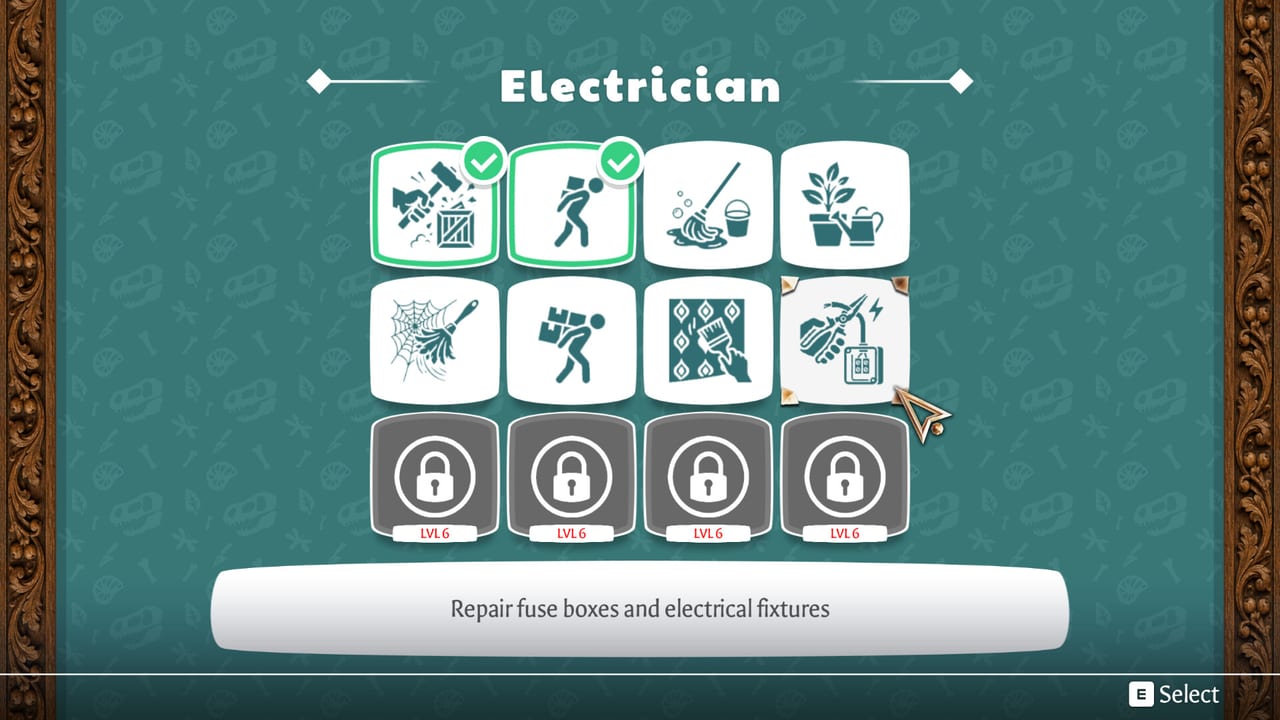
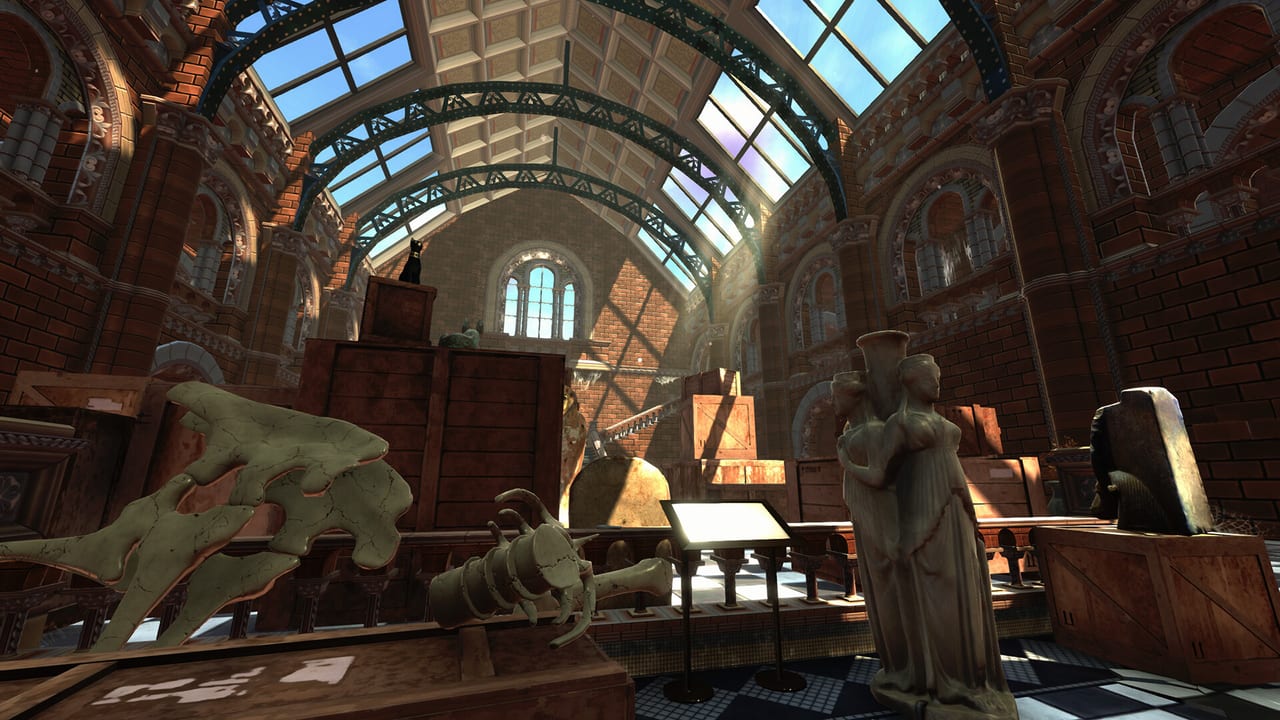
Tidy Up History is a cozy single-player museum cleaning sim from Casual Human. Dust off exhibits, repair displays, place artifacts, and unlock keys, wings, and dinosaur skeletons as you restore each hall. Start with the beginner guide, follow the full walkthrough, plan unlocks with the abilities tier list, track rooms on the checklist, chase achievements, and read launch-day notes.
Complete Tidy Up History guides: cleaning, skeletons, keys, XP, rooms, walkthrough, Steam Deck tips, and an early review overview.
View all GuidesRecommended ability unlock priority and room clear order for Tidy Up History—what to invest XP in first for faster museum restores.
View all Tier ListPractical Tidy Up History tools hub: museum room checklist, PC system requirements, and helpers for tracking Steam restoration progress.
View all ToolsTidy Up History updates hub: launch day notes, Steam Deck Ready post, and hotfixes 1.0.1–1.0.2 for keys, Porter 2, and camera comfort.
View all UpdatesOfficial Tidy Up History Steam link, community hubs, and disambiguation from other tidy museum games—bookmark the real Casual Human title.
View all LinksRead the beginner guide to understand cleaning, repairs, artifact placement, and how museum rooms unlock.
Check the controls guide so movement, tools, and interaction shortcuts feel natural while you tidy exhibits.
Follow cleaning and repairs to clear dust, fix displays, and prepare halls for artifacts.
Spend XP on cleaning skills before Porter 2 — see the abilities guide and launch hotfixes so you avoid early softlocks.
Keep the room checklist open so you never miss a dusty corner, skeleton piece, or achievement-related exhibit.
Quick answers to the most common questions.
Begin with the beginner guide, then learn controls and cleaning and repairs before chasing late-game exhibits.
No. Tidy Up History is a single-player cozy cleaning sim. There is no co-op or online multiplayer mode.
Hotfix 1.0.1 fixes key softlocks and Porter 2 progression; 1.0.2 adjusts camera bobbing, height, and mouse sensitivity. Full notes: launch hotfixes.
Casual Human optimized for ~60 FPS with full gamepad support. Read the Steam Deck guide and Deck Ready notes.
The Steam minimum lists **16 GB RAM** along with Windows 10, an Intel i5-2500, and a GTX 1050. See system requirements for the full checklist.
This wiki is available in **English**, **French**, **German**, and **Spanish**. Use the language switcher in the header to jump between locales anytime.
From first-day cleaning tips to room-by-room progress, our guides cover every exhibit. Start with the beginner guide or open the room checklist.
Start with the beginner guide