
Tidy Up History Dinosaur Skeleton Assembly
Collect fossils part by part and rebuild the museum’s prehistoric giants for the grand opening.
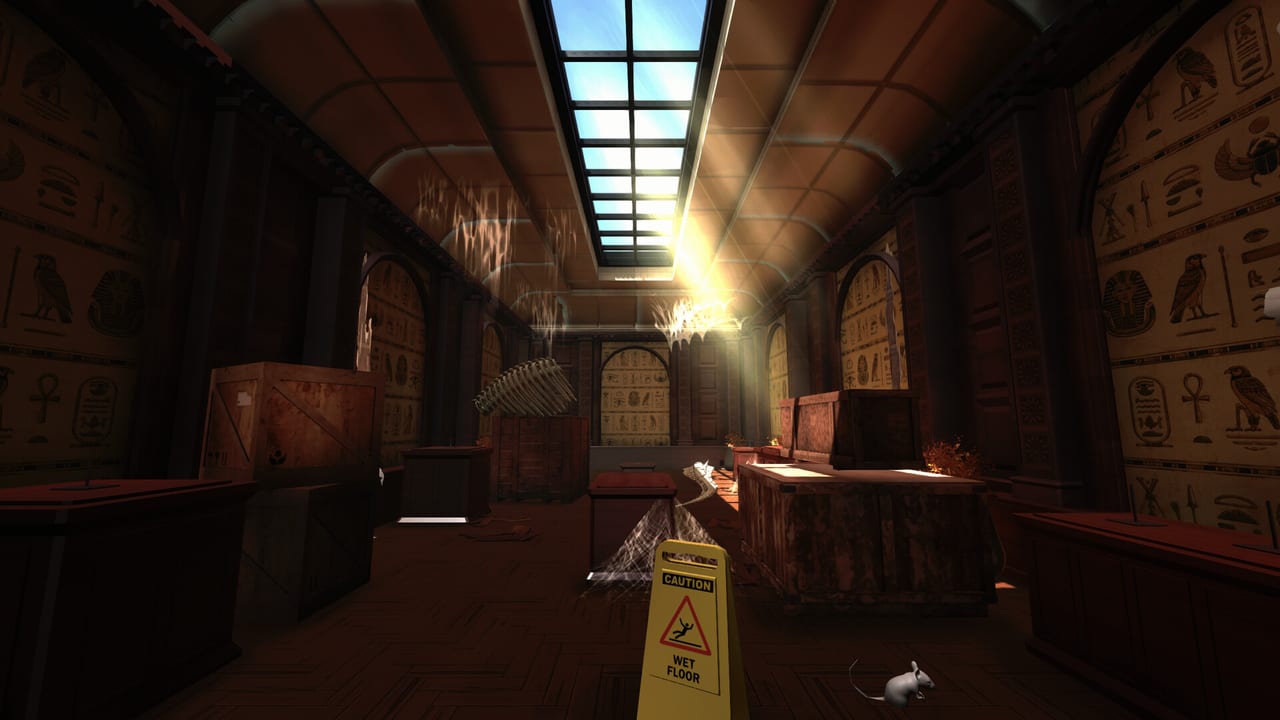
One of Tidy Up History’s signature fantasies is standing under a finished dinosaur mount that you rebuilt bone by bone. Casual Human’s cozy museum sim mixes cleaning with paleontology lite: fossils scatter through prehistoric wings, and your job is to collect them, identify where each part belongs, and assemble impressive displays. This guide focuses on process — not invented bone coordinates — so you can earn Assembler and When Dinos Ruled the Earth style progress without frustration.
Where skeleton work lives
Prehistoric halls are your primary stages. Expect themes around Cerapoda, Theropods, Ornithopods & Thyreophorans, and Non-Dinosaurian collections. Human-history wings (Stone Age onward) may hold stray fossils as clutter, but finished mounts belong in natural history space. Use Museum Rooms to keep the roster straight when keys open new fossil halls.
Sauropods postponed — Non-Dinosaurian is live
Casual Human’s pre-launch Steam Deck Ready post stated that sauropods were replaced by non-dinosaurian creatures at launch, with a dedicated sauropod room planned for a future update. Do not softlock your Assembler fantasy waiting for long-neck mounts that are not in the 1.0 roster. Finish Non-Dinosaurian displays with the same seriousness you give Theropods; that hall is present content, not a joke name.
When the future sauropod room ships, it will get an Updates Hub entry—until then, plan sessions around the live prehistoric set only.
If a bone is sitting in Ancient Egypt, treat it as misplaced inventory: pick it up during your artifact pass and walk it home. Cross-wing fossil rescue is normal early on.
The assembly loop
Think in four steps:
- Find and pick up fossil parts while cleaning — clutter often hides bones.
- Identify which skeleton or mount the part feeds. Knowledge helps when silhouettes confuse you — Knowledge Books.
- Transport parts to the correct hall and mount. Abilities that improve carry capacity or highlighting shine here — Abilities and XP.
- Seat each part carefully on the armature until the skeleton completes.
You do not need every bone before placing the first. Partial mounts are healthy progress markers and make missing pieces obvious.
Cleaning and fossils together
Do not separate “cleaning day” from “bone day” too hard. While following Cleaning and Repairs:
- Watch for bone-shaped clutter under benches and behind cases.
- Clean the mount platform before seating delicate-looking parts.
- Repair lighting around big skeletons so you can see socket alignment.
A dirty mount bay makes placement prompts and visual matching harder. Shine first, then paleontology.
Placement precision
Skeleton sockets are less forgiving than a flat pottery pedestal:
- Stop moving; face the target socket — Controls.
- Match large landmarks first (skull, pelvis, major limb girdles) when the design allows, then fill ribs and extremities.
- If a part will not seat, you likely have the wrong skeleton or the wrong socket — compare with labeled reference material instead of force-spamming.
- After each successful seat, step back. Big mounts read better from mid-distance; you will spot gaps faster.
Batch bones for one animal. Running across the museum with alternating theropod and cerapod parts burns time.
Identification tips without spoilers
When two fossils look similar:
- Check size relative to the mount.
- Compare joint shapes and curvature.
- Use any in-game highlight or knowledge unlocks you have earned.
- Look at already-placed neighbors on the same armature — continuity is a clue.
Archivist and Knowledgeable style play helps here: study first, then snap bones into place with confidence.
Wing unlocks and fossil backlog
Keys open new prehistoric rooms mid-campaign. When a new dinosaur hall unlocks via Keys and Wings:
- Do a cleaning lap to expose bones.
- Stage fossils in piles by likely skeleton.
- Begin assembly only after the floor is walkable.
- Return later with leftover parts from older wings that clearly belong here.
Avoid opening three new halls before finishing any mount. Backlog anxiety is real in cozy sims; finish a skeleton to reset your brain.
Achievements tied to dinosaurs
Watch for:
- Assembler — progress through building mounts part by part.
- When Dinos Ruled the Earth — broader prehistoric completion fantasy.
- Room-complete unlocks for finishing Cerapoda, Theropods, Ornithopods & Thyreophorans, Non-Dinosaurian, and related halls.
Full trophy framing lives on Achievements. Skeleton work also feeds general XP toward abilities that make later assemblies faster.
Suggested session plan (one skeleton focus)
- Choose one incomplete mount as today’s boss fight (peaceful boss).
- Sweep its home hall for parts and dirt.
- Sweep adjacent unlocked corridors for strays.
- Study any unread paleontology knowledge nearby.
- Seat every matching part you own.
- Note missing categories (skull vs limbs vs torso) so the next sweep is targeted.
- If stuck, switch to a different chore for twenty minutes, then return with fresh eyes.
Common skeleton mistakes
- Hoarding every bone in a random closet without ever visiting mounts.
- Force-fitting parts onto the wrong armature.
- Ignoring Non-Dinosaurian displays while obsessing only over famous dinosaurs—or waiting on sauropods that are roadmap-only at launch.
- Skipping lighting repairs around big mounts.
- Opening new wings before finishing a nearly complete skeleton two rooms away.
How skeletons fit the grand opening
Visitors remember dinosaurs. A polished cultural wing with empty prehistoric halls still feels unfinished. Balance your Walkthrough so fossil mounts complete in parallel with Mesopotamia or Ancient China — not as an afterthought the night before “opening.”
Tidy Up History is single-player; take the time to enjoy the last rib clicking into place. That quiet satisfaction is the genre’s whole point — and Casual Human built entire rooms around it.
Frequently Asked Questions
Quick answers to the most common questions.
Which rooms are for dinosaur skeletons?
Focus on Cerapoda, Theropods, Ornithopods & Thyreophorans, and Non-Dinosaurian. Sauropods are planned later—see Museum Rooms and Steam Deck Ready.
Do I need every bone before I start assembling?
No. Seat what you have on the correct mount; partial skeletons make missing parts easier to spot on later sweeps.
What achievements relate to fossils?
Assembler and When Dinos Ruled the Earth style unlocks, plus Complete [room] trophies — see Achievements.
Why will a fossil not place?
Wrong mount, wrong socket, or missing identification. Study via Knowledge Books and compare silhouettes before force-placing.
Should I clean the dinosaur hall first?
Yes — clear dirt and clutter so bones and sockets are visible. Follow Cleaning and Repairs then assemble.